Tips Pro
Add your own payment link and guests can tip you from the request page. The money goes straight to you, not through Skiiip.
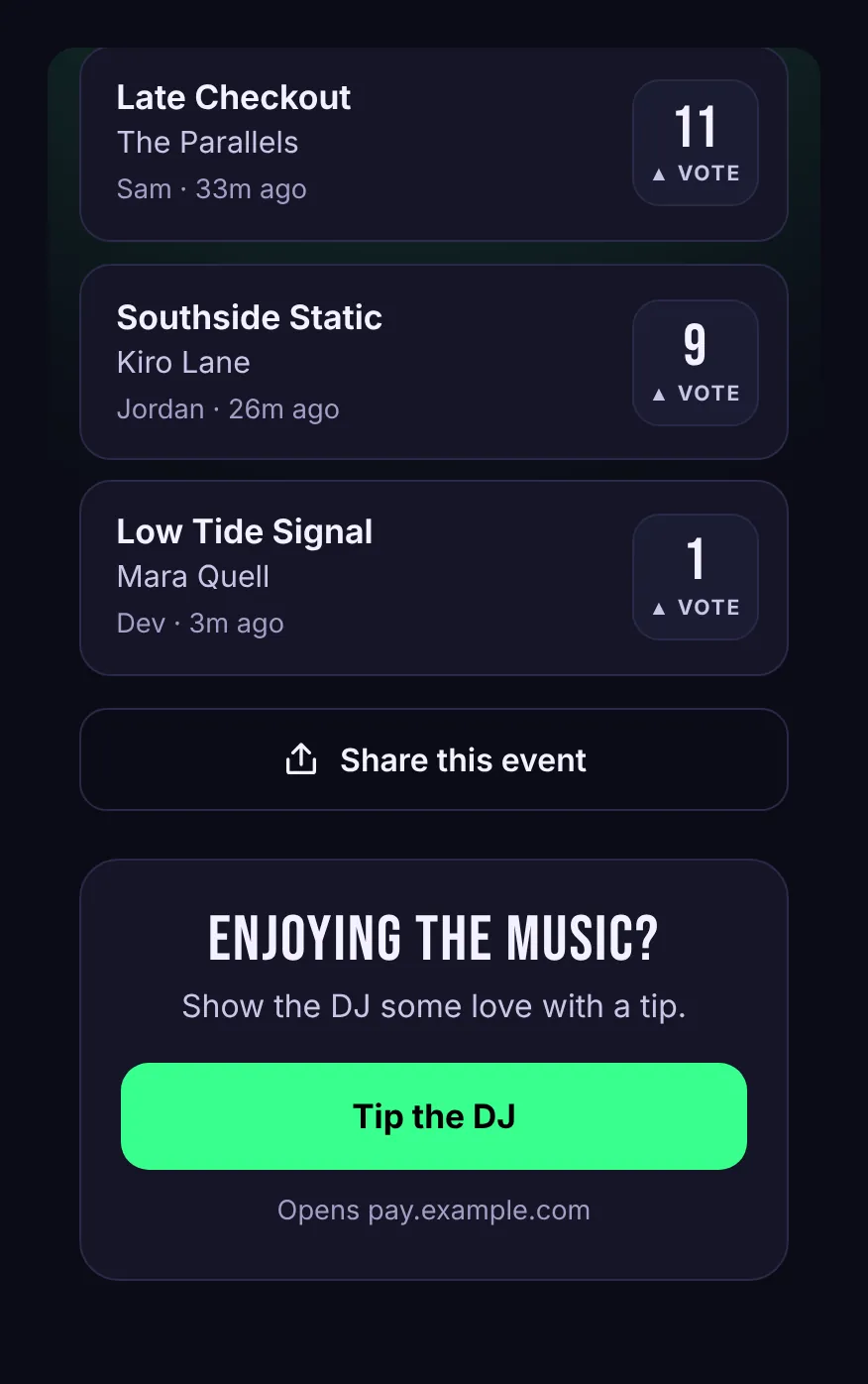
With tips turned on, guests see a tip button on the request page, right below the queue. Tapping it opens your own payment page.
Set it up
- On your dashboard, open Tip Settings.
- Paste your Payment Link. Any service works as long as the link starts with
https://: a Stripe Payment Link, PayPal.me, or whatever you already use. - Optionally change the Button Label (up to 40 characters). The default is "Tip the DJ".
- Press Save.
Your tip link applies to all of your events. To turn tips off, clear the link and save.
How the money moves
Tips go directly from the guest to your payment service. Skiiip never handles the payment, never sees card details and takes no cut. Under the button, guests see which site the link opens, so they know where they're going before they tap.