Crowd controls
Request limits, cooldowns, last call, a location gate and Leaderboard mode. Keep requests coming from people in the room, at a pace you can handle.
Every control below is in the cards on the right of the event manager, and each one is set per event. Turn on only what the night needs.
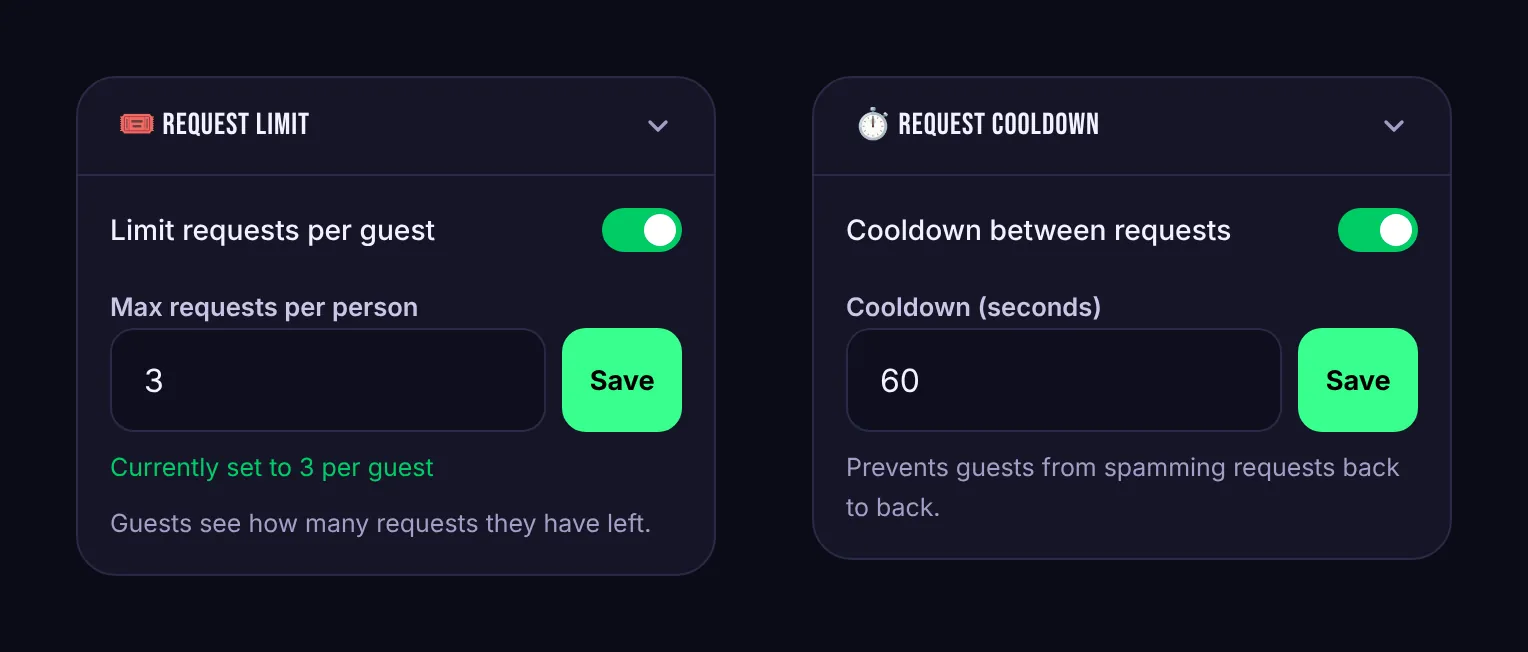
Request limit
Caps how many songs each guest can request at this event, from 1 to 100. Guests see how many requests they have left. Votes don't count toward the limit.
Request cooldown
Makes guests wait between requests, from 5 seconds up to a day. Guests who try too soon see how long to wait. Like the limit, it only applies to new requests, not votes.
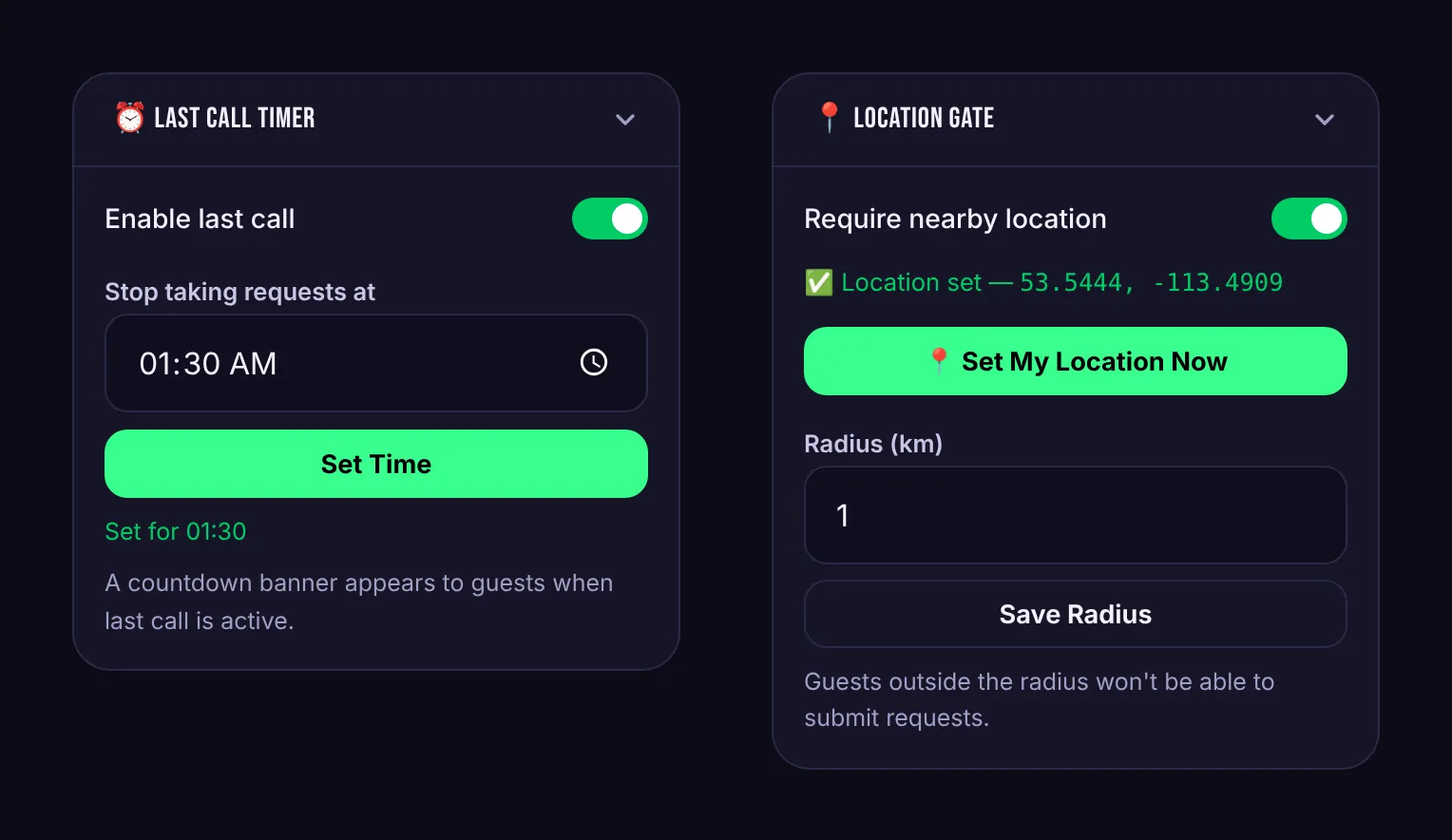
Last call Pro
Turn on Enable last call, pick a time under Stop taking requests at, and press Set Time. For the last 30 minutes before that time, a countdown appears on guests' phones, in your event manager, in Booth View and on the venue screen, so everyone knows to get their final requests in.
Location gate Pro
Only guests at the venue can request or vote. Stand in the venue and press Set My Location Now, then set the Radius in kilometres (1 km suits most venues; raise it if guests are being blocked).
Guests are asked to share their location once. Skiiip checks it against the venue and then discards it. Coordinates are never stored.
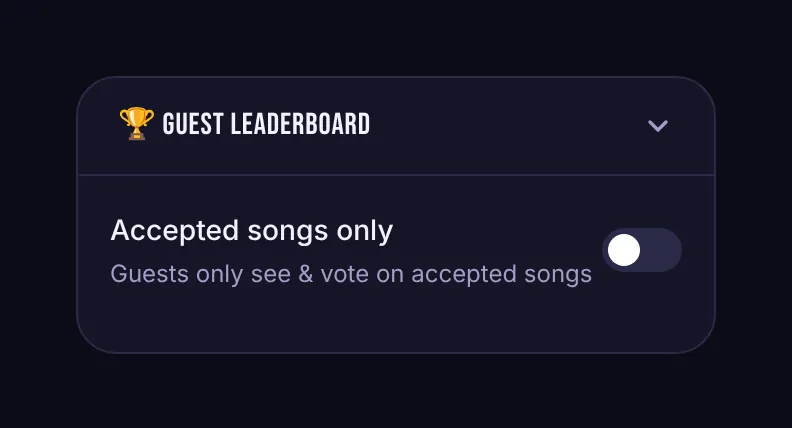
Leaderboard mode Pro
The Guest Leaderboard card has one switch: Accepted songs only. With it on, guests only see and vote on songs you've accepted. New requests still reach your queue, but the public list becomes your shortlist, and the votes tell you which of your picks the room wants first.