Analytics and exports
See how the night went, from total requests and votes to the most requested songs and your busiest hour, and export everything to a spreadsheet.
Every event keeps its own numbers. Press Analytics above the request queue to open them.
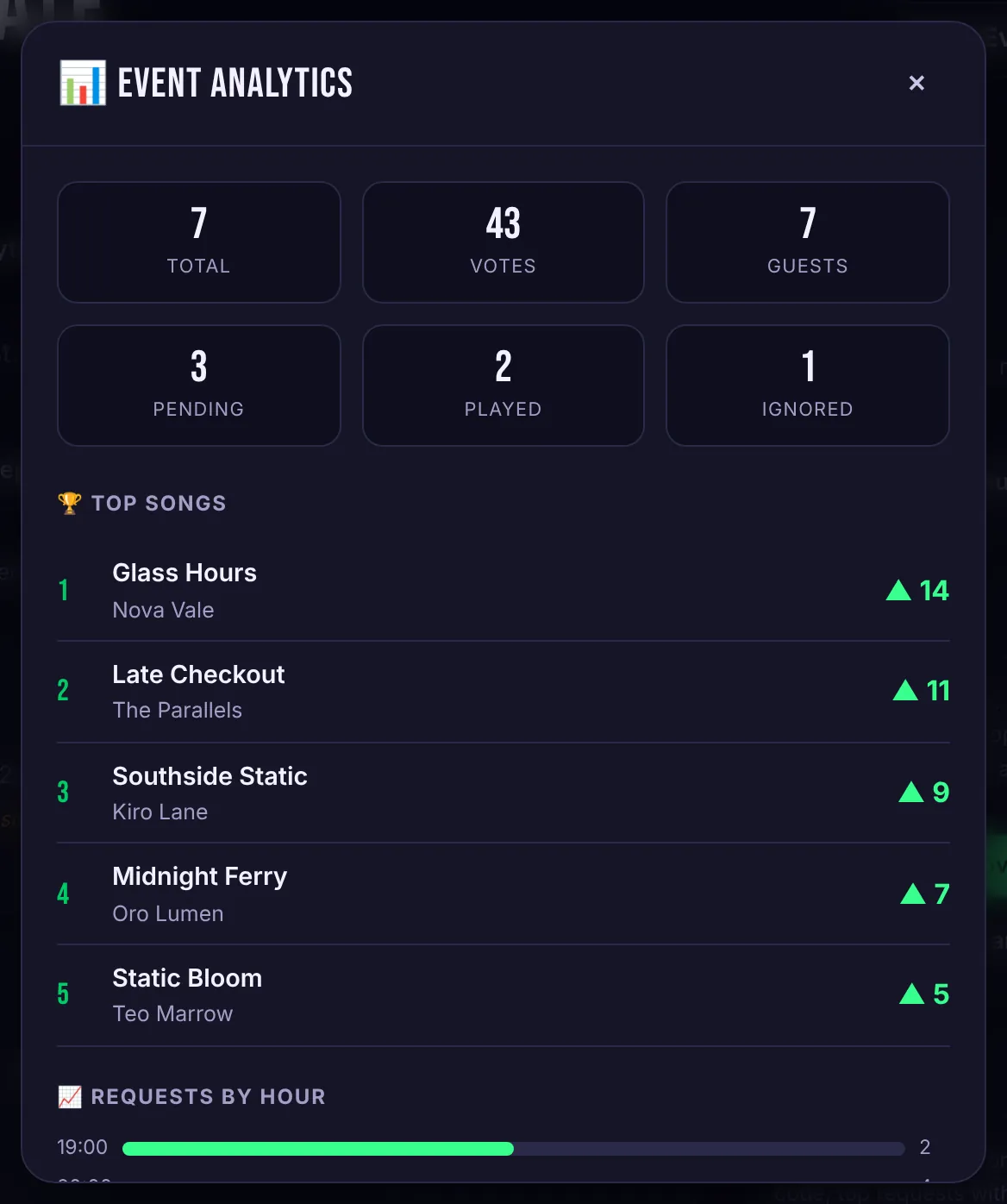
What you'll see
- Totals: requests, votes and the number of guests who requested, plus how many songs are still pending, were played or were ignored.
- Top songs: the five most voted requests of the night.
- Requests by hour: when the room was most active. Useful when you're planning sets or talking to a venue about their busiest time.
Export to CSV
Press Export CSV above the queue to download every request for the event: song, artist, votes, status, who requested it, when, and any note you added. It opens in Excel, Numbers or Google Sheets.